Last login: Thu 08 Oct 2026 on tty1
Archived edition.
$man 1 git
Ten things the page says. Every one of them is on your machine right now — run the command above and check.
-
01
Git is a fast, scalable, distributed revision control system with an unusually rich command set that provides both high-level operations and full access to internals.[man]
-
02
-v, --version
Prints the Git suite version that the git program came from.[man]
-
03
-h, --help
Prints the synopsis and a list of the most commonly used commands. If the option --all or -a is given then all available commands are printed. If a Git command is named this option will bring up the manual page for that command.[man]
-
04
--exec-path[=<path>]
Path to wherever your core Git programs are installed. This can also be controlled by setting the GIT_EXEC_PATH environment variable. If no path is given, git will print the current setting and then exit.[man]
-
05
--html-path
Print the path, without trailing slash, where Git's HTML documentation is installed and exit.[man]
-
06
--man-path
Print the manpath (see man(1)) for the man pages for this version of Git and exit.[man]
-
07
--info-path
Print the path where the Info files documenting this version of Git are installed and exit.[man]
-
08
-p, --paginate
Pipe all output into less (or if set, $PAGER) if standard output is a terminal. This overrides the pager.<cmd> configuration options (see the "Configuration Mechanism" section below).[man]
-
09
--git-dir=<path>
Set the path to the repository (".git" directory). This can also be controlled by setting the GIT_DIR environment variable. It can be an absolute path or relative path to current working directory.[man]
-
10
--namespace=<path>
Set the Git namespace. See gitnamespaces(7) for more details. Equivalent to setting the GIT_NAMESPACE environment variable.[man]
$run --yourself
Make a repository and read its history
--oneline --graph is the log view worth memorising, and --short is the status you can actually scan.
These commands write files, so run them in a scratch directory:
$ mkdir -p ~/motd-lab && cd ~/motd-lab$ rm -rf gitdemo && mkdir gitdemo && cd gitdemo
$ git init -q
$ git -c [email protected] -c user.name=You commit -q --allow-empty -m 'first commit'
$ echo 'hello' > file.txt && git add file.txt
$ git -c [email protected] -c user.name=You commit -q -m 'add file'
$ git log --oneline --graph
$ git status --shortWHAT YOU SHOULD SEETwo commits in the log, newest first, and a clean status with nothing left to commit.
$quiz -n 5
Five questions, each one taking a term out of a line above. Ten points for each. Tap hear it to have a question read to you; answering plays the verdict.
QUESTION 1 OF 5
Which term completes this line from the page? “Git is a fast, scalable, _____ revision control system with an unusually rich command set that provides both high-level operations and full access to internals.”
From point 1 above.
QUESTION 2 OF 5
Which term completes this line from the page? “Prints the synopsis and a list of the most commonly used commands. If the option --all or -a is given then all _____ commands are printed. If a Git command is named this option will bring up the manual page for that command.”
From point 3 above.
QUESTION 3 OF 5
Which term completes this line from the page? “Print the path, without trailing slash, where Git's HTML _____ is installed and exit.”
From point 5 above.
QUESTION 4 OF 5
Which term completes this line from the page? “Print the path where the Info files _____ this version of Git are installed and exit.”
From point 7 above.
QUESTION 5 OF 5
Which term completes this line from the page? “Set the path to the repository (".git" directory). This can also be controlled by setting the _____ environment variable. It can be an absolute path or relative path to current working directory.”
From point 9 above.
Answer all five to bank your points.
$play --chapters 5
Five chapters, three voices. Tap one to jump — the player at the bottom of the screen follows.
$tee --everyone
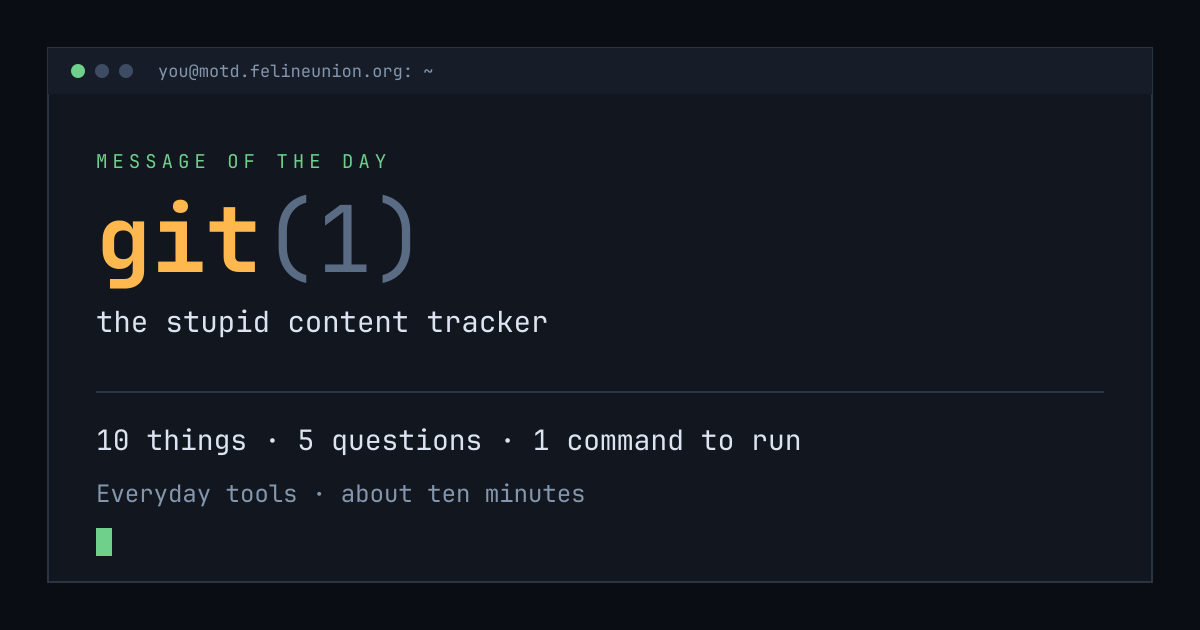
Know someone with ten minutes and a terminal? Send them today's page. This is the card that appears when you post it:
$su - operator
The Operator has a dispatch on git(1),
and he files them for subscribers only. It is free.
Join the club, or read about
the series.
MOTD is a weekday reading of one manual page already installed on your own
machine. Every statement is quoted from that page or from the GNU info
documentation beside it, and every edition names the command that shows you
the source.
archive ·
the operator ·
about ·
podcast ·
Feline Union