Last login: Tue 20 Oct 2026 on tty1
Archived edition.
$man 1 touch
Ten things the page says. Every one of them is on your machine right now — run the command above and check.
-
01
Update the access and modification times of each FILE to the current time.[man]
-
02
-d, --date=STRING
parse STRING and use it instead of current time.[man]
-
03
-h, --no-dereference
affect each symbolic link instead of any referenced file (useful only on systems that can change the timestamps of a symlink).[man]
-
04
-r, --reference=FILE
use this file's times instead of current time.[man]
-
05
--time=WORD
change the specified time: WORD is access, atime, or use: equivalent to -a WORD is modify or mtime: equivalent to -m.[man]
-
06
A FILE argument that does not exist is created empty, unless -c or -h is supplied.[man]
-
07
A FILE argument string of - is handled specially and causes touch to change the times of the file associated with standard output.[man]
-
08
Mandatory arguments to long options are mandatory for short options too.[man]
-
09
-t
STAMP use [[CC]YY]MMDDhhmm[.ss] instead of current time.[man]
-
10
Note that the -d and -t options accept different time-date formats.[man]
$run --yourself
Create a file and move its clock
touch is not only for making empty files. It is the tool for setting mtime, which is what build systems compare.
These commands write files, so run them in a scratch directory:
$ mkdir -p ~/motd-lab && cd ~/motd-lab$ touch fresh.txt
$ stat -c '%y %n' fresh.txt
$ touch -d '2001-01-01 09:00' fresh.txt
$ stat -c '%y %n' fresh.txt
$ touch -c missing.txt
$ lsWHAT YOU SHOULD SEEThe timestamp jumps back to 2001. -c means missing.txt is never created, so it does not appear in ls.
$quiz -n 5
Five questions, each one taking a term out of a line above. Ten points for each. Tap hear it to have a question read to you; answering plays the verdict.
QUESTION 1 OF 5
Which term completes this line from the page? “Update the access and _____ times of each FILE to the current time.”
From point 1 above.
QUESTION 2 OF 5
Which term completes this line from the page? “affect each symbolic link instead of any _____ file (useful only on systems that can change the timestamps of a symlink).”
From point 3 above.
QUESTION 3 OF 5
Which term completes this line from the page? “change the specified time: WORD is access, atime, or use: _____ to -a WORD is modify or mtime: equivalent to -m.”
From point 5 above.
QUESTION 4 OF 5
Which term completes this line from the page? “A FILE argument string of - is handled specially and causes touch to change the times of the file _____ with standard output.”
From point 7 above.
QUESTION 5 OF 5
Which term completes this line from the page? “_____ use [[CC]YY]MMDDhhmm[.ss] instead of current time.”
From point 9 above.
Answer all five to bank your points.
$play --chapters 5
Five chapters, three voices. Tap one to jump — the player at the bottom of the screen follows.
$tee --everyone
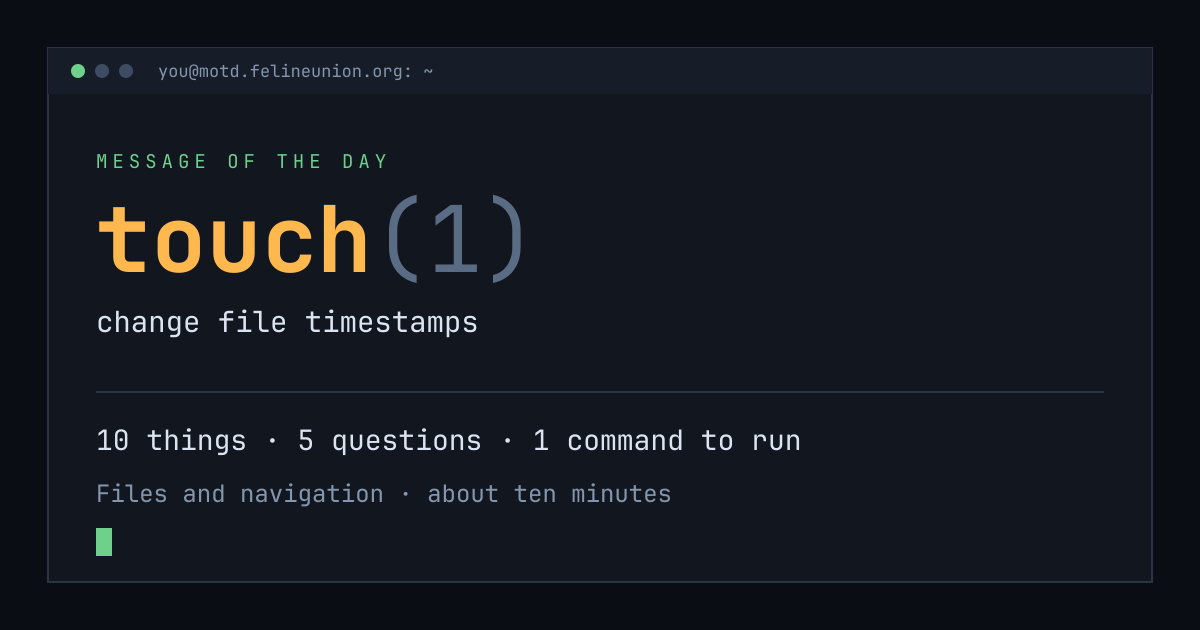
Know someone with ten minutes and a terminal? Send them today's page. This is the card that appears when you post it:
$su - operator
The Operator has a dispatch on touch(1),
and he files them for subscribers only. It is free.
Join the club, or read about
the series.
MOTD is a weekday reading of one manual page already installed on your own
machine. Every statement is quoted from that page or from the GNU info
documentation beside it, and every edition names the command that shows you
the source.
archive ·
the operator ·
about ·
podcast ·
Feline Union