Last login: Thu 22 Oct 2026 on tty1
Archived edition.
$man 1 grep
Ten things the page says. Every one of them is on your machine right now — run the command above and check.
-
01
PATTERNS is one or more patterns separated by newline characters, and grep prints each line that matches a pattern.[man]
-
02
-E, --extended-regexp
Interpret PATTERNS as extended regular expressions (EREs, see below).[man]
-
03
-F, --fixed-strings
Interpret PATTERNS as fixed strings, not regular expressions.[man]
-
04
-P, --perl-regexp
Interpret PATTERNS as Perl-compatible regular expressions (PCREs). This option is experimental when combined with the -z (--null-data) option, and grep -P may warn of unimplemented features.[man]
-
05
-i, --ignore-case
Ignore case distinctions in patterns and input data, so that characters that differ only in case match each other.[man]
-
06
--no-ignore-case
Do not ignore case distinctions in patterns and input data. This is the default. This option is useful for passing to shell scripts that already use -i, to cancel its effects because the two options override each other.[man]
-
07
-v, --invert-match
Invert the sense of matching, to select non-matching lines.[man]
-
08
-x, --line-regexp
Select only those matches that exactly match the whole line. For a regular expression pattern, this is like parenthesizing the pattern and then surrounding it with ^ and $.[man]
-
09
-c, --count
Suppress normal output; instead print a count of matching lines for each input file. With the -v, --invert-match option (see above), count non-matching lines.[man]
-
10
-L, --files-without-match
Suppress normal output; instead print the name of each input file from which no output would normally have been printed.[man]
$run --yourself
Search with the three flags that matter
-i, -v and -n answer most real searches. Everything else on that very long page is refinement.
These commands write files, so run them in a scratch directory:
$ mkdir -p ~/motd-lab && cd ~/motd-lab$ printf 'Alpha\nbeta\nGAMMA\nalpha beta\n' > words.txt
$ grep alpha words.txt
$ grep -i alpha words.txt
$ grep -n -i -c alpha words.txt
$ grep -v beta words.txtWHAT YOU SHOULD SEEThe plain search finds one line. -i finds two. -c counts them. -v inverts and shows the lines without beta.
$quiz -n 5
Five questions, each one taking a term out of a line above. Ten points for each. Tap hear it to have a question read to you; answering plays the verdict.
QUESTION 1 OF 5
Which term completes this line from the page? “_____ is one or more patterns separated by newline characters, and grep prints each line that matches a pattern.”
From point 1 above.
QUESTION 2 OF 5
Which term completes this line from the page? “_____ PATTERNS as fixed strings, not regular expressions.”
From point 3 above.
QUESTION 3 OF 5
Which term completes this line from the page? “Ignore case _____ in patterns and input data, so that characters that differ only in case match each other.”
From point 5 above.
QUESTION 4 OF 5
Which term completes this line from the page? “Invert the sense of matching, to select _____ lines.”
From point 7 above.
QUESTION 5 OF 5
Which term completes this line from the page? “Suppress normal output; instead print a count of matching lines for each input file. With the -v, --_____ option (see above), count non-matching lines.”
From point 9 above.
Answer all five to bank your points.
$play --chapters 5
Five chapters, three voices. Tap one to jump — the player at the bottom of the screen follows.
$tee --everyone
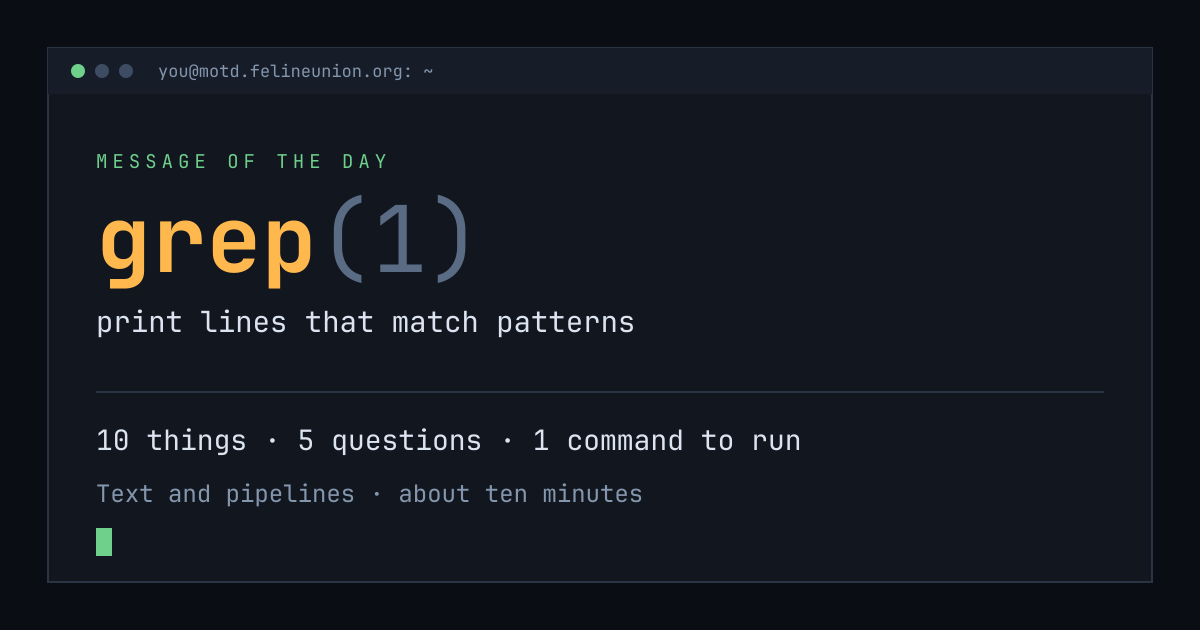
Know someone with ten minutes and a terminal? Send them today's page. This is the card that appears when you post it:
$su - operator
The Operator has a dispatch on grep(1),
and he files them for subscribers only. It is free.
Join the club, or read about
the series.
MOTD is a weekday reading of one manual page already installed on your own
machine. Every statement is quoted from that page or from the GNU info
documentation beside it, and every edition names the command that shows you
the source.
archive ·
the operator ·
about ·
podcast ·
Feline Union