Last login: Fri 23 Oct 2026 on tty1
Archived edition.
$man 1 wc
Ten things the page says. Every one of them is on your machine right now — run the command above and check.
-
01
Print newline, word, and byte counts for each FILE, and a total line if more than one FILE is specified.[man]
-
02
--files0-from=F
read input from the files specified by NUL-terminated names in file F; If F is - then read names from standard input.[man]
-
03
--total=WHEN
when to print a line with total counts; WHEN can be: auto, always, only, never.[man]
-
04
A word is a non-zero-length sequence of printable characters delimited by white space.[man]
-
05
The options below may be used to select which counts are printed, always in the following order: newline, word, character, byte, maximum line length.[man]
-
06
wc counts the number of bytes, characters, words, and newlines in each given FILE, or standard input if none are given or for a FILE of '-'.[info]
-
07
wc prints one line of counts for each file, and if the file was given as an argument, it prints the file name following the counts.[info]
-
08
By default if more than one FILE is given, 'wc' prints a final line containing the cumulative counts, with the file name 'total'.[info]
-
09
This 'total' line can be controlled with the --total option, which is a GNU extension.[info]
-
10
The counts are printed in this order: newlines, words, characters, bytes, maximum line length.[info]
$run --yourself
Count without opening the file
wc -l on a pipe is the fastest 'how many' on the system, and it is the habit worth forming.
These commands write files, so run them in a scratch directory:
$ mkdir -p ~/motd-lab && cd ~/motd-lab$ printf 'one two three\nfour five\n' > count.txt
$ wc count.txt
$ wc -l count.txt
$ wc -w -c count.txt
$ ls /usr/bin | wc -lWHAT YOU SHOULD SEELines, words and bytes together; then 2 lines; then 5 words and the byte count; then however many programs are in /usr/bin.
$quiz -n 5
Five questions, each one taking a term out of a line above. Ten points for each. Tap hear it to have a question read to you; answering plays the verdict.
QUESTION 1 OF 5
Which term completes this line from the page? “Print _____, word, and byte counts for each FILE, and a total line if more than one FILE is specified.”
From point 1 above.
QUESTION 2 OF 5
Which term completes this line from the page? “when to print a line with total _____; WHEN can be: auto, always, only, never.”
From point 3 above.
QUESTION 3 OF 5
Which term completes this line from the page? “The options below may be used to select which counts are printed, always in the following order: newline, word, _____, byte, maximum line length.”
From point 5 above.
QUESTION 4 OF 5
Which term completes this line from the page? “wc prints one line of counts for each file, and if the file was given as an _____, it prints the file name following the counts.”
From point 7 above.
QUESTION 5 OF 5
Which term completes this line from the page? “This 'total' line can be _____ with the --total option, which is a GNU extension.”
From point 9 above.
Answer all five to bank your points.
$play --chapters 5
Five chapters, three voices. Tap one to jump — the player at the bottom of the screen follows.
$tee --everyone
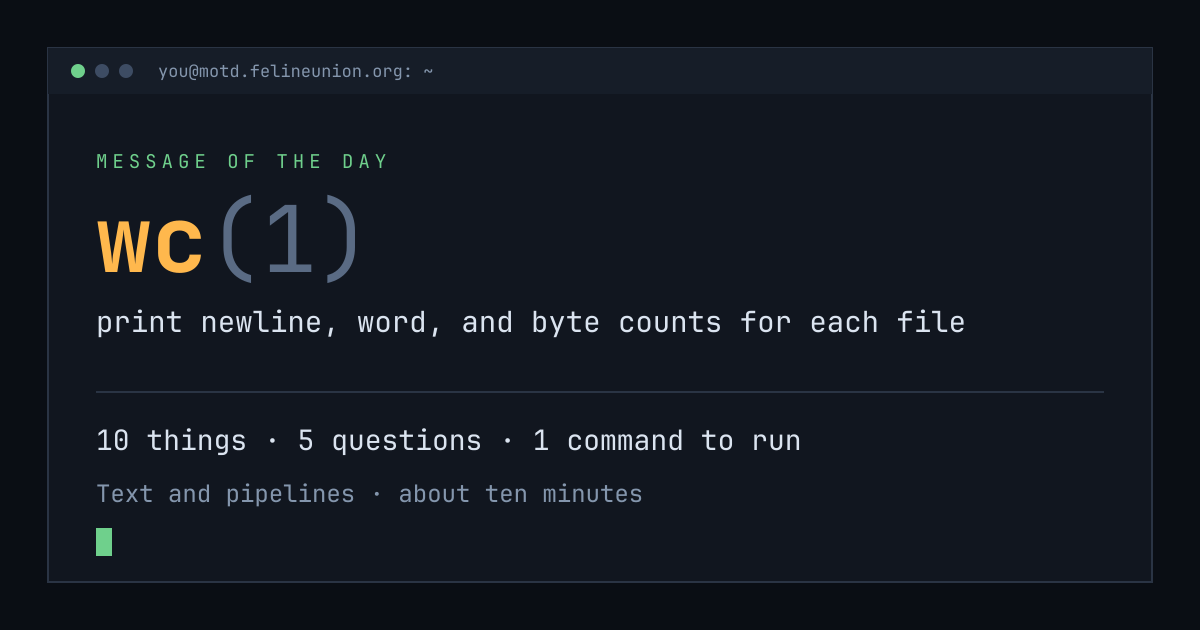
Know someone with ten minutes and a terminal? Send them today's page. This is the card that appears when you post it:
$su - operator
The Operator has a dispatch on wc(1),
and he files them for subscribers only. It is free.
Join the club, or read about
the series.
MOTD is a weekday reading of one manual page already installed on your own
machine. Every statement is quoted from that page or from the GNU info
documentation beside it, and every edition names the command that shows you
the source.
archive ·
the operator ·
about ·
podcast ·
Feline Union