Last login: Mon 26 Oct 2026 on tty1
Archived edition.
$man 1 nano
Ten things the page says. Every one of them is on your machine right now — run the command above and check.
-
01
When giving a filename on the command line, the cursor can be put on a specific line by adding the line number with a plus sign (+) before the filename, and even in a specific column by adding it with a comma.[man]
-
02
-A, --smarthome
Make the Home key smarter. When Home is pressed anywhere but at the very beginning of non-whitespace characters on a line, the cursor will jump to that beginning (either forwards or backwards). If the cursor is already at that position, it will jump to the true beginning of the line.[man]
-
03
-B, --backup
When saving a file, back up the previous version of it, using the current filename suffixed with a tilde (~).[man]
-
04
-D, --boldtext
For the interface, use bold instead of reverse video. This will be overridden by setting the options titlecolor, statuscolor, keycolor, functioncolor, numbercolor, and/or selectedcolor in your nanorc file. See nanorc(5).[man]
-
05
-E, --tabstospaces
Convert each typed tab to spaces -- to the number of spaces that a tab at that position would take up.[man]
-
06
-G, --locking
Use vim-style file locking when editing files.[man]
-
07
-H, --historylog
Save the last hundred search strings and replacement strings and executed commands, so they can be easily reused in later sessions.[man]
-
08
-I, --ignorercfiles
Don't look at the system's nanorc nor at the user's nanorc.[man]
-
09
-L, --nonewlines
Don't automatically add a newline when a text does not end with one. (This can cause you to save non-POSIX text files.).[man]
-
10
-M, --trimblanks
Snip trailing whitespace from the wrapped line when automatic hard-wrapping occurs or when text is justified.[man]
$run --yourself
Edit a file with the friendly editor
The ^ in nano's footer means Control. That one convention is the only thing standing between most people and a usable editor.
These commands write files, so run them in a scratch directory:
$ mkdir -p ~/motd-lab && cd ~/motd-lab$ printf 'edit me\n' > notes.txt
$ nano notes.txtWHAT YOU SHOULD SEEnano opens with its shortcuts along the bottom. Ctrl-O then Enter writes the file, Ctrl-X exits.
$quiz -n 5
Five questions, each one taking a term out of a line above. Ten points for each. Tap hear it to have a question read to you; answering plays the verdict.
QUESTION 1 OF 5
Which term completes this line from the page? “When giving a _____ on the command line, the cursor can be put on a specific line by adding the line number with a plus sign (+) before the filename, and even in a specific column by adding it with a comma.”
From point 1 above.
QUESTION 2 OF 5
Which term completes this line from the page? “When saving a file, back up the _____ version of it, using the current filename suffixed with a tilde (~).”
From point 3 above.
QUESTION 3 OF 5
Which term completes this line from the page? “Convert each typed tab to spaces -- to the number of spaces that a tab at that _____ would take up.”
From point 5 above.
QUESTION 4 OF 5
Which term completes this line from the page? “Save the last hundred search strings and _____ strings and executed commands, so they can be easily reused in later sessions.”
From point 7 above.
QUESTION 5 OF 5
Which term completes this line from the page? “Don't _____ add a newline when a text does not end with one. (This can cause you to save non-POSIX text files.).”
From point 9 above.
Answer all five to bank your points.
$play --chapters 5
Five chapters, three voices. Tap one to jump — the player at the bottom of the screen follows.
$tee --everyone
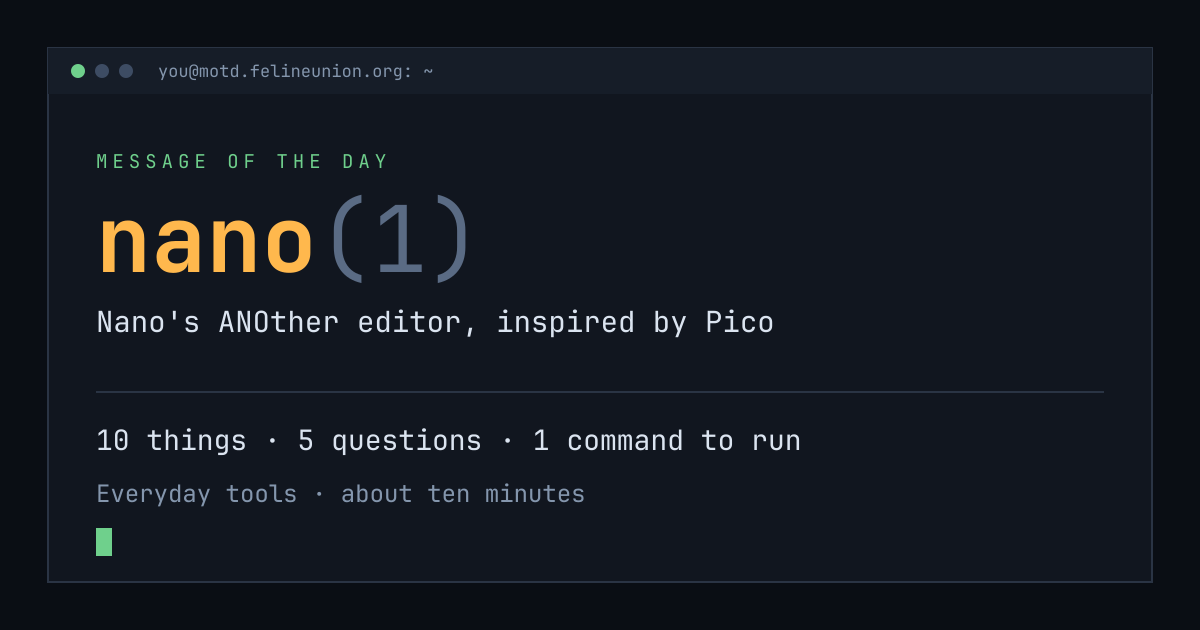
Know someone with ten minutes and a terminal? Send them today's page. This is the card that appears when you post it:
$su - operator
The Operator has a dispatch on nano(1),
and he files them for subscribers only. It is free.
Join the club, or read about
the series.
MOTD is a weekday reading of one manual page already installed on your own
machine. Every statement is quoted from that page or from the GNU info
documentation beside it, and every edition names the command that shows you
the source.
archive ·
the operator ·
about ·
podcast ·
Feline Union