Last login: Thu 29 Oct 2026 on tty1
Archived edition.
$man 1 vim
Ten things the page says. Every one of them is on your machine right now — run the command above and check.
-
01
Vim is a text editor that is upwards compatible to Vi.[man]
-
02
-A
If Vim has been compiled with ARABIC support for editing right-to-left oriented files and Arabic keyboard mapping, this option starts Vim in Arabic mode, i.e. 'arabic' is set. Otherwise an error message is given and Vim aborts.[man]
-
03
-b
Binary mode. A few options will be set that makes it possible to edit a binary or executable file.[man]
-
04
-C
Compatible. Set the 'compatible' option. This will make Vim behave mostly like Vi, even though a .vimrc file exists.[man]
-
05
-d
Start in diff mode. There should between two to eight file name arguments. Vim will open all the files and show differences between them. Works like vimdiff(1).[man]
-
06
-D
Debugging. Go to debugging mode when executing the first command from a script.[man]
-
07
-e
Start Vim in Ex mode, just like the executable was called "ex".[man]
-
08
--nofork
Foreground. For the GUI version, Vim will not fork and detach from the shell it was started in.[man]
-
09
-h
Give a bit of help about the command line arguments and options. After this Vim exits.[man]
-
10
-l
Lisp mode. Sets the 'lisp' and 'showmatch' options on.[man]
$run --yourself
Open vim and get back out again
vim is the editor you will meet on a server with nothing else installed. Knowing only Escape, :wq and :q! is enough to survive it.
These commands write files, so run them in a scratch directory:
$ mkdir -p ~/motd-lab && cd ~/motd-lab$ printf 'line one\nline two\n' > practice.txt
$ vim practice.txtWHAT YOU SHOULD SEEvim opens. Press i to insert, type, press Escape, then :wq and Enter to save and quit. :q! quits and discards.
$quiz -n 5
Five questions, each one taking a term out of a line above. Ten points for each. Tap hear it to have a question read to you; answering plays the verdict.
QUESTION 1 OF 5
Which term completes this line from the page? “Vim is a text editor that is upwards _____ to Vi.”
From point 1 above.
QUESTION 2 OF 5
Which term completes this line from the page? “Binary mode. A few options will be set that makes it possible to edit a binary or _____ file.”
From point 3 above.
QUESTION 3 OF 5
Which term completes this line from the page? “Start in diff mode. There should between two to eight file name arguments. Vim will open all the files and show _____ between them. Works like vimdiff(1).”
From point 5 above.
QUESTION 4 OF 5
Which term completes this line from the page? “_____ Vim in Ex mode, just like the executable was called "ex".”
From point 7 above.
QUESTION 5 OF 5
Which term completes this line from the page? “Give a bit of help about the command line _____ and options. After this Vim exits.”
From point 9 above.
Answer all five to bank your points.
$play --chapters 5
Five chapters, three voices. Tap one to jump — the player at the bottom of the screen follows.
$tee --everyone
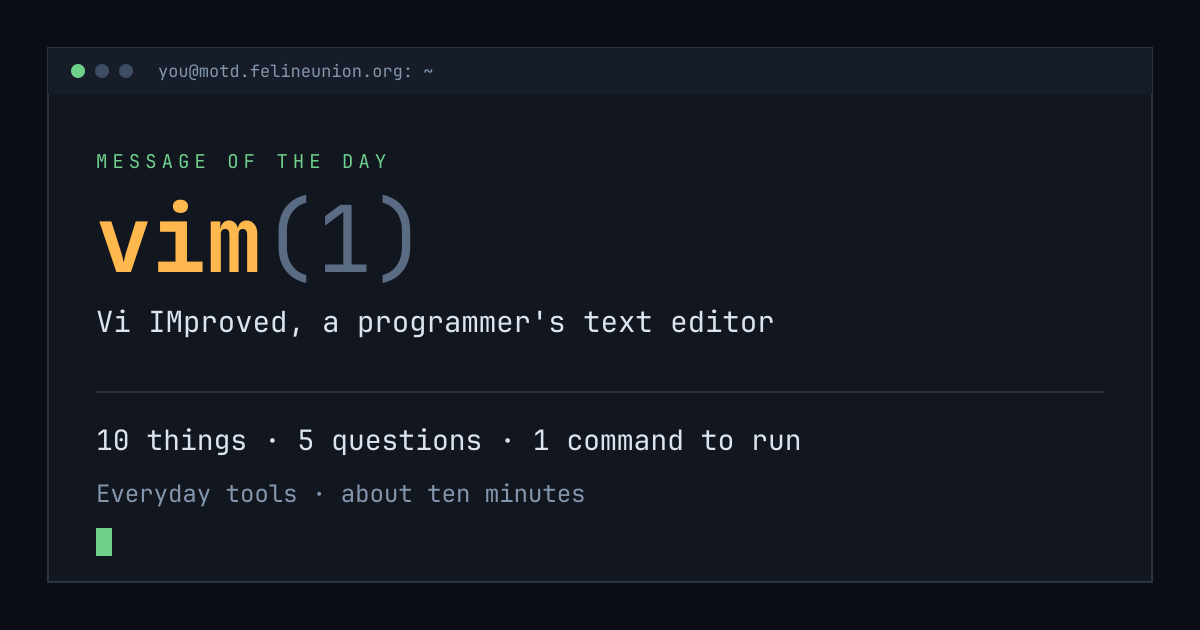
Know someone with ten minutes and a terminal? Send them today's page. This is the card that appears when you post it:
$su - operator
The Operator has a dispatch on vim(1),
and he files them for subscribers only. It is free.
Join the club, or read about
the series.
MOTD is a weekday reading of one manual page already installed on your own
machine. Every statement is quoted from that page or from the GNU info
documentation beside it, and every edition names the command that shows you
the source.
archive ·
the operator ·
about ·
podcast ·
Feline Union