Last login: Wed 11 Nov 2026 on tty1
Archived edition.
$man 1 passwd
Ten things the page says. Every one of them is on your machine right now — run the command above and check.
-
01
The passwd command changes passwords for user accounts.[man]
-
02
-a, --all
This option can be used only with -S and causes show status for all users.[man]
-
03
-d, --delete
Delete a user's password (make it empty). This is a quick way to disable a password for an account. It will set the named account passwordless.[man]
-
04
-e, --expire
Immediately expire an account's password. This in effect can force a user to change their password at the user's next login.[man]
-
05
-k, --keep-tokens
Indicate password change should be performed only for expired authentication tokens (passwords). The user wishes to keep their non-expired tokens as before.[man]
-
06
-l, --lock
Lock the password of the named account. This option disables a password by changing it to a value which matches no possible encrypted value (it adds a '!' at the beginning of the password).[man]
-
07
-u, --unlock
Unlock the password of the named account. This option re-enables a password by changing the password back to its previous value (to the value before using the -l option).[man]
-
08
A normal user may only change the password for their own account, while the superuser may change the password for any account. passwd also changes the account or associated password validity period.[man]
-
09
The user is first prompted for their old password, if one is present.[man]
-
10
This password is then encrypted and compared against the stored password.[man]
$run --yourself
Read the page, then ask the command itself
Every command on the machine documents itself twice. Comparing the two is a habit that outlives any single page.
$ man 1 passwd | head -40
$ passwd --help 2>&1 | head -20
WHAT YOU SHOULD SEEThe top of the manual page, then the command's own built-in summary. The two often differ, and where they differ is worth noticing.
$quiz -n 5
Five questions, each one taking a term out of a line above. Ten points for each. Tap hear it to have a question read to you; answering plays the verdict.
QUESTION 1 OF 5
Which term completes this line from the page? “The passwd command changes _____ for user accounts.”
From point 1 above.
QUESTION 2 OF 5
Which term completes this line from the page? “Delete a user's password (make it empty). This is a quick way to disable a password for an account. It will set the named account _____.”
From point 3 above.
QUESTION 3 OF 5
Which term completes this line from the page? “Indicate password change should be performed only for expired _____ tokens (passwords). The user wishes to keep their non-expired tokens as before.”
From point 5 above.
QUESTION 4 OF 5
Which term completes this line from the page? “Unlock the password of the named account. This option _____ a password by changing the password back to its previous value (to the value before using the -l option).”
From point 7 above.
QUESTION 5 OF 5
Which term completes this line from the page? “The user is first _____ for their old password, if one is present.”
From point 9 above.
Answer all five to bank your points.
$play --chapters 5
Five chapters, three voices. Tap one to jump — the player at the bottom of the screen follows.
$tee --everyone
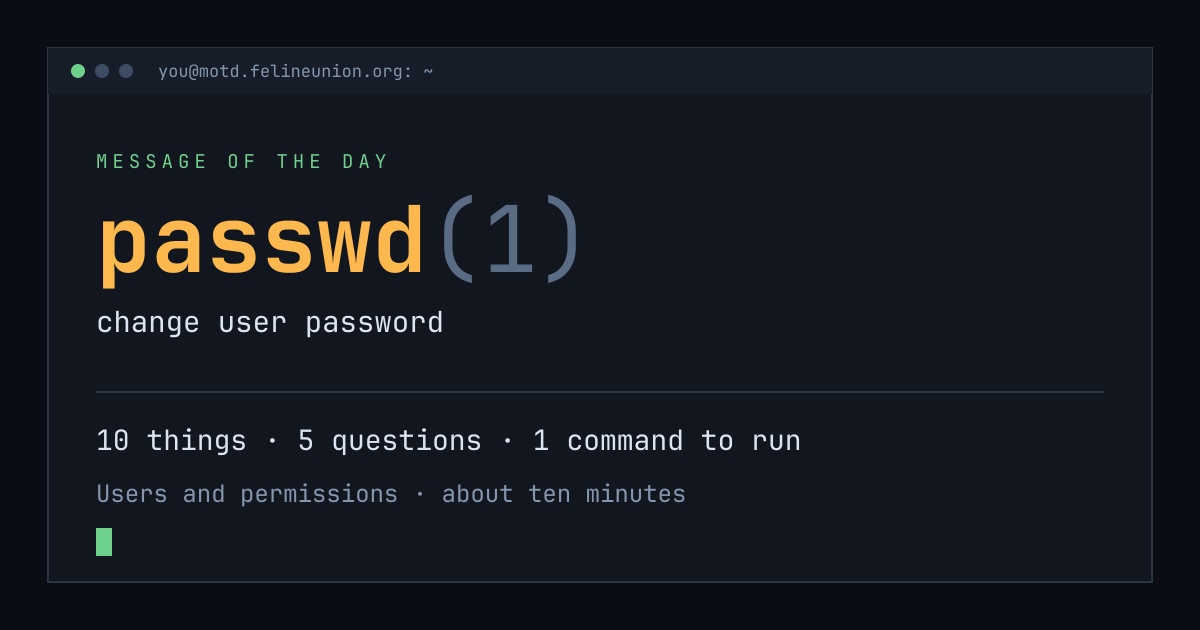
Know someone with ten minutes and a terminal? Send them today's page. This is the card that appears when you post it:
$su - operator
The Operator has a dispatch on passwd(1),
and he files them for subscribers only. It is free.
Join the club, or read about
the series.
MOTD is a weekday reading of one manual page already installed on your own
machine. Every statement is quoted from that page or from the GNU info
documentation beside it, and every edition names the command that shows you
the source.
archive ·
the operator ·
about ·
podcast ·
Feline Union