Last login: Mon 16 Nov 2026 on tty1
Archived edition.
$man 1 ssh-keygen
Ten things the page says. Every one of them is on your machine right now — run the command above and check.
-
01
ssh-keygen generates, manages and converts authentication keys for ssh(1). ssh-keygen can create keys for use by SSH protocol version 2.[man]
-
02
-B
Show the bubblebabble digest of specified private or public key file.[man]
-
03
-c
Requests changing the comment in the private and public key files. The program will prompt for the file containing the private keys, for the passphrase if the key has one, and for the new comment.[man]
-
04
-e
This option will read a private or public OpenSSH key file and print to stdout a public key in one of the formats specified by the -m option. The default export format is "RFC4716". This option allows exporting OpenSSH keys for use by other programs, including several commercial SSH implementations.[man]
-
05
-g
Use generic DNS format when printing fingerprint resource records using the -r command.[man]
-
06
-h
When signing a key, create a host certificate instead of a user certificate. See the "CERTIFICATES" section for details.[man]
-
07
-L
Prints the contents of one or more certificates.[man]
-
08
-l
Show fingerprint of specified public key file. For RSA and DSA keys ssh-keygen tries to find the matching public key file and prints its fingerprint. If combined with -v, a visual ASCII art representation of the key is supplied with the fingerprint.[man]
-
09
-p
Requests changing the passphrase of a private key file instead of creating a new private key. The program will prompt for the file containing the private key, for the old passphrase, and twice for the new passphrase.[man]
-
10
-Q
Test whether keys have been revoked in a KRL. If the -l option is also specified then the contents of the KRL will be printed.[man]
$run --yourself
Read the page, then ask the command itself
Every command on the machine documents itself twice. Comparing the two is a habit that outlives any single page.
$ man 1 ssh-keygen | head -40
$ ssh-keygen --help 2>&1 | head -20
WHAT YOU SHOULD SEEThe top of the manual page, then the command's own built-in summary. The two often differ, and where they differ is worth noticing.
$quiz -n 5
Five questions, each one taking a term out of a line above. Ten points for each. Tap hear it to have a question read to you; answering plays the verdict.
QUESTION 1 OF 5
Which term completes this line from the page? “ssh-keygen generates, manages and converts _____ keys for ssh(1). ssh-keygen can create keys for use by SSH protocol version 2.”
From point 1 above.
QUESTION 2 OF 5
Which term completes this line from the page? “Requests changing the comment in the private and public key files. The program will prompt for the file _____ the private keys, for the passphrase if the key has one, and for the new comment.”
From point 3 above.
QUESTION 3 OF 5
Which term completes this line from the page? “Use generic DNS format when printing _____ resource records using the -r command.”
From point 5 above.
QUESTION 4 OF 5
Which term completes this line from the page? “Prints the _____ of one or more certificates.”
From point 7 above.
QUESTION 5 OF 5
Which term completes this line from the page? “Requests changing the _____ of a private key file instead of creating a new private key. The program will prompt for the file containing the private key, for the old passphrase, and twice for the new passphrase.”
From point 9 above.
Answer all five to bank your points.
$play --chapters 5
Five chapters, three voices. Tap one to jump — the player at the bottom of the screen follows.
$tee --everyone
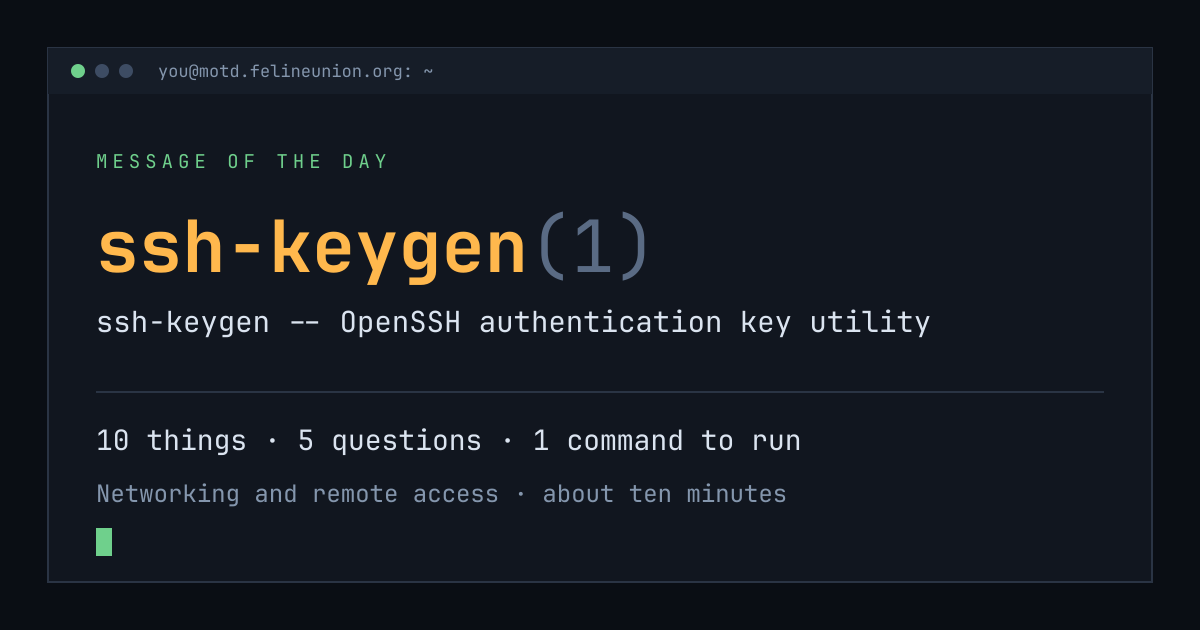
Know someone with ten minutes and a terminal? Send them today's page. This is the card that appears when you post it:
$su - operator
The Operator has a dispatch on ssh-keygen(1),
and he files them for subscribers only. It is free.
Join the club, or read about
the series.
MOTD is a weekday reading of one manual page already installed on your own
machine. Every statement is quoted from that page or from the GNU info
documentation beside it, and every edition names the command that shows you
the source.
archive ·
the operator ·
about ·
podcast ·
Feline Union