Last login: Wed 18 Nov 2026 on tty1
Archived edition.
$man 1 w
Ten things the page says. Every one of them is on your machine right now — run the command above and check.
-
01
w displays information about the users currently on the machine, and their processes.[man]
-
02
-u, --no-current
Ignores the username while figuring out the current process and cpu times. To demonstrate this, do a su and do a w and a w -u.[man]
-
03
-s, --short
Use the short format. Don't print the login time, JCPU or PCPU times.[man]
-
04
-f, --from
Toggle printing the from (remote hostname) field. The default as released is for the from field to not be printed, although your system administrator or distribution maintainer may have compiled a version in which the from field is shown by default.[man]
-
05
-i, --ip-addr
Display IP address instead of hostname for from field.[man]
-
06
-p, --pids
Display pid of the login process/the "what" process in the "what" field.[man]
-
07
-o, --old-style
Old style output. Prints blank space for idle times less than one minute.[man]
-
08
The header shows, in this order, the current time, how long the system has been running, how many users are currently logged on, and the system load averages for the past 1, 5, and 15 minutes.[man]
-
09
The following entries are displayed for each user: login name, the tty name, the remote host, login time, idle time, JCPU, PCPU, and the command line of their current process.[man]
-
10
The JCPU time is the time used by all processes attached to the tty.[man]
$run --yourself
Read the page, then ask the command itself
Every command on the machine documents itself twice. Comparing the two is a habit that outlives any single page.
$ man 1 w | head -40
$ w --help 2>&1 | head -20
WHAT YOU SHOULD SEEThe top of the manual page, then the command's own built-in summary. The two often differ, and where they differ is worth noticing.
$quiz -n 5
Five questions, each one taking a term out of a line above. Ten points for each. Tap hear it to have a question read to you; answering plays the verdict.
QUESTION 1 OF 5
Which term completes this line from the page? “w displays _____ about the users currently on the machine, and their processes.”
From point 1 above.
QUESTION 2 OF 5
Which term completes this line from the page? “Use the short _____. Don't print the login time, JCPU or PCPU times.”
From point 3 above.
QUESTION 3 OF 5
Which term completes this line from the page? “Display IP address instead of _____ for from field.”
From point 5 above.
QUESTION 4 OF 5
Which term completes this line from the page? “Old style output. Prints blank space for idle times less than one _____.”
From point 7 above.
QUESTION 5 OF 5
Which term completes this line from the page? “The following entries are _____ for each user: login name, the tty name, the remote host, login time, idle time, JCPU, PCPU, and the command line of their current process.”
From point 9 above.
Answer all five to bank your points.
$play --chapters 5
Five chapters, three voices. Tap one to jump — the player at the bottom of the screen follows.
$tee --everyone
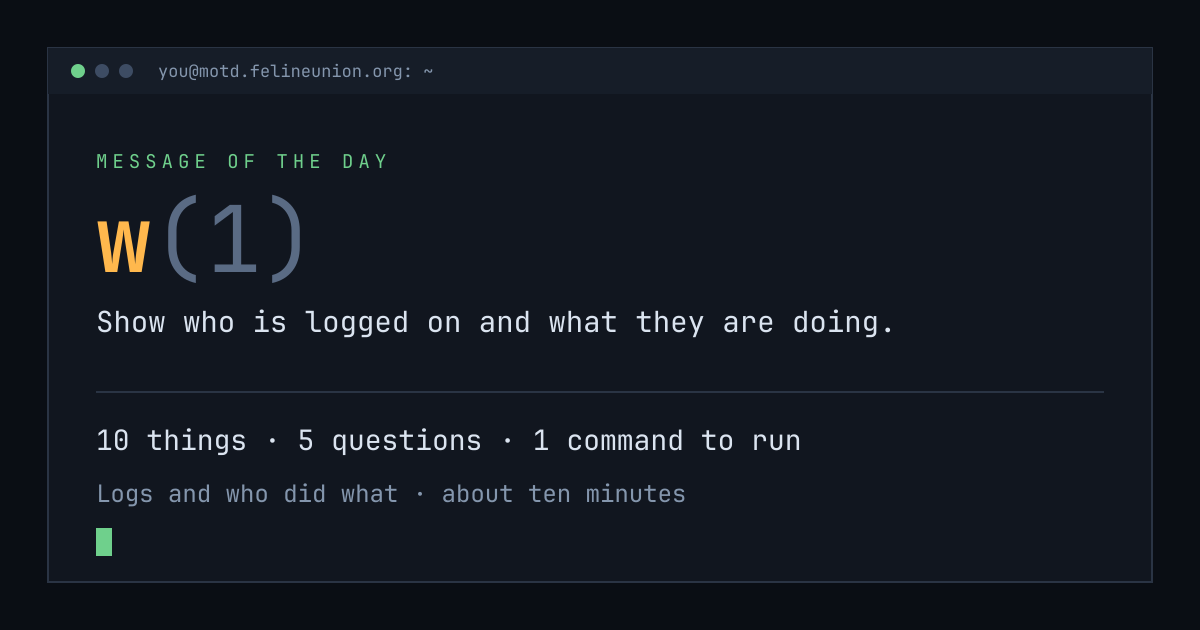
Know someone with ten minutes and a terminal? Send them today's page. This is the card that appears when you post it:
$su - operator
The Operator has a dispatch on w(1),
and he files them for subscribers only. It is free.
Join the club, or read about
the series.
MOTD is a weekday reading of one manual page already installed on your own
machine. Every statement is quoted from that page or from the GNU info
documentation beside it, and every edition names the command that shows you
the source.
archive ·
the operator ·
about ·
podcast ·
Feline Union